Modulify started as an AI tool for Webflow designers. You gave it a brief, it gave you a sitemap, wireframes and styled pages, and you took those into Webflow to finish the job.
Around 30,000 people signed up. It worked, but it was only half a product.
The problem was simple. Modulify could design your site, but it couldn't run it. You still needed somewhere to host it, a way to publish it, a monthly bill to keep it online, and a second tool the moment you wanted a dashboard, a login or a CMS.
Modulify 2.0 fixes that. It's a full platform now. You describe what you want and you get a real website, web app or dashboard, built, hosted and published in one place, on one subscription. No handoff, no deploy step, no second tool.
It's live today. You can use it right now.
What actually changed
The old Modulify assembled pages from pre-built sections. You gave it a brief and the AI picked from a library. Useful in its day, but the AI was choosing between options rather than making something.
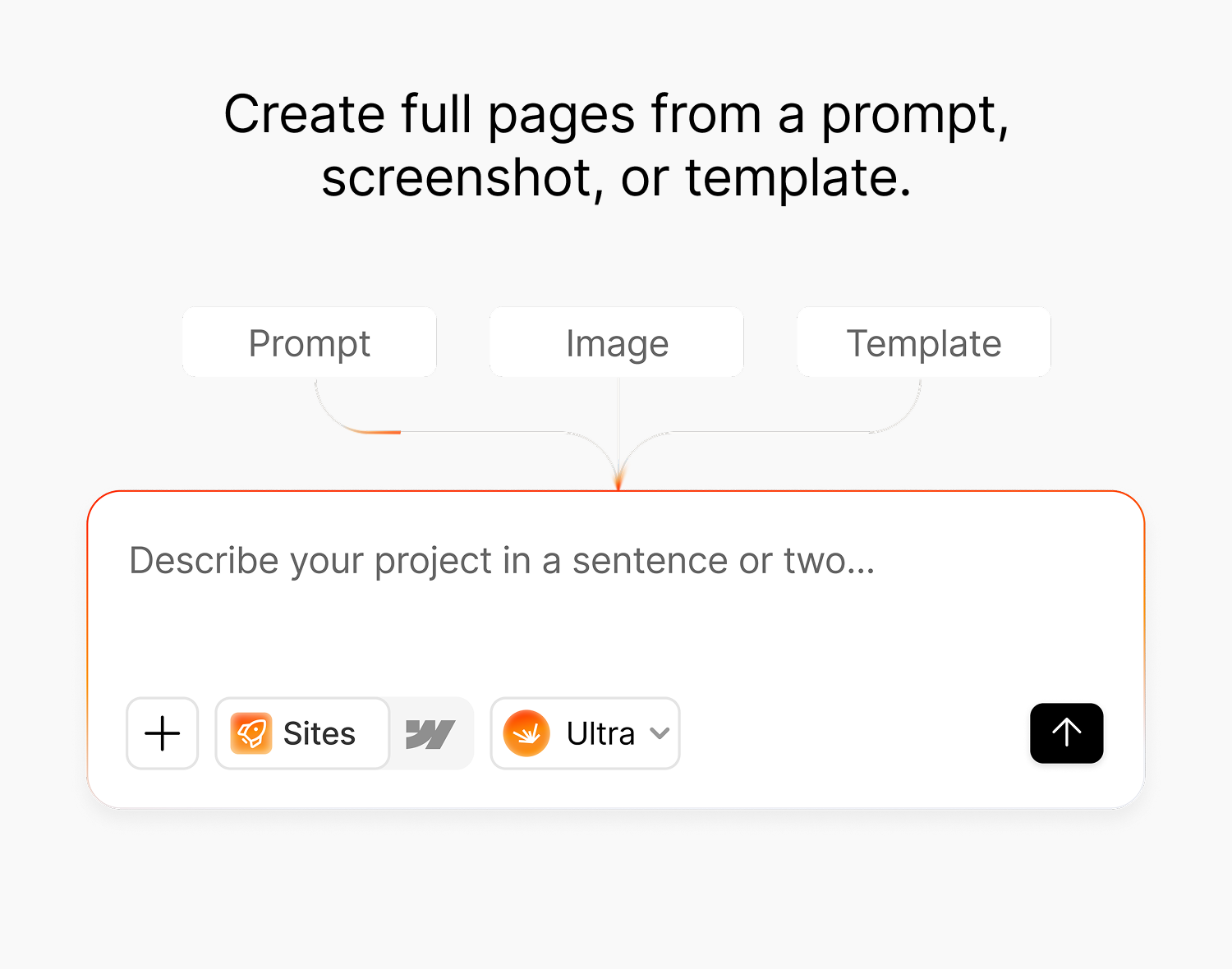
2.0 generates. You write a prompt, and it produces a full page or a full multi-page site from scratch, with layout, copy, styling and structure that fit what you asked for.
You do not have to build it up piece by piece. If your prompt is detailed enough, spelling out the pages, the sections, the tone and the content you want, it can generate the whole thing in one go. That is also the cheapest way to work, since one strong prompt spends fewer credits than ten vague ones.
And when you do want to change something, you just say so. Rewrite the headline. Fix the mobile breakpoint. Add a pricing table. It responds to plain instructions, section by section, until it looks right. The point is that iterating is there when you need it, not a tax you pay on every build.
What sits underneath it is the part that makes the difference.
Same models. Different taste.
Here is something the category avoids saying out loud.
The underlying models are close to a commodity. Everyone building in this space has access to more or less the same intelligence. That is not where any of us win.
The difference is what you feed into it and what you have taught it to consider acceptable.
Modulify was built by people who design websites for a living. The type scales, the spacing rules, the section patterns, the colour logic, all of it is opinionated, and all of it was made by designers rather than inferred from whatever was lying around on the internet. So the output arrives already looking like something a studio would hand over.
That is the whole bet. Not better AI. Better taste, wired into the product.
That wiring has a name. It is called Skills.
Skills
Before you generate, you can switch on Skills. Each one is a body of standards that rides along with your prompt and shapes what comes back. Motion & Animation handles how things move. Accessibility holds the output to WCAG expectations and Performance to Core Web Vitals, two bars that most generated sites quietly fail. SEO & AI Search covers how the page gets found, by search engines and by the models people now ask instead of searching. Blog & CMS handles content structure.
You pick them per build, and you can run several at once. A marketing site and an internal dashboard do not need the same standards applied.
This is the difference between a tool that has taste and a tool that talks about it. The judgment is not hidden in a system prompt somewhere and hoped for. It is a set of switches, and you can see exactly which ones are on.
You can tell the difference in about four seconds when you put two outputs side by side. We will be publishing exactly those comparisons.
Connectors
Taste gets you a good-looking site. Connectors make it actually useful.
Modulify plugs into over a hundred tools your business already runs on, Stripe for payments, Slack for alerts, Notion and HubSpot for content and contacts, Figma for design, and plenty more. Connect a tool and Modulify reads your real data from it while it builds, so what comes out is shaped around your actual content and records instead of placeholder text. Point it at Figma and it builds to that design. Point it at Notion or HubSpot and your real posts, clients and copy land in the site rather than invented stand-ins.
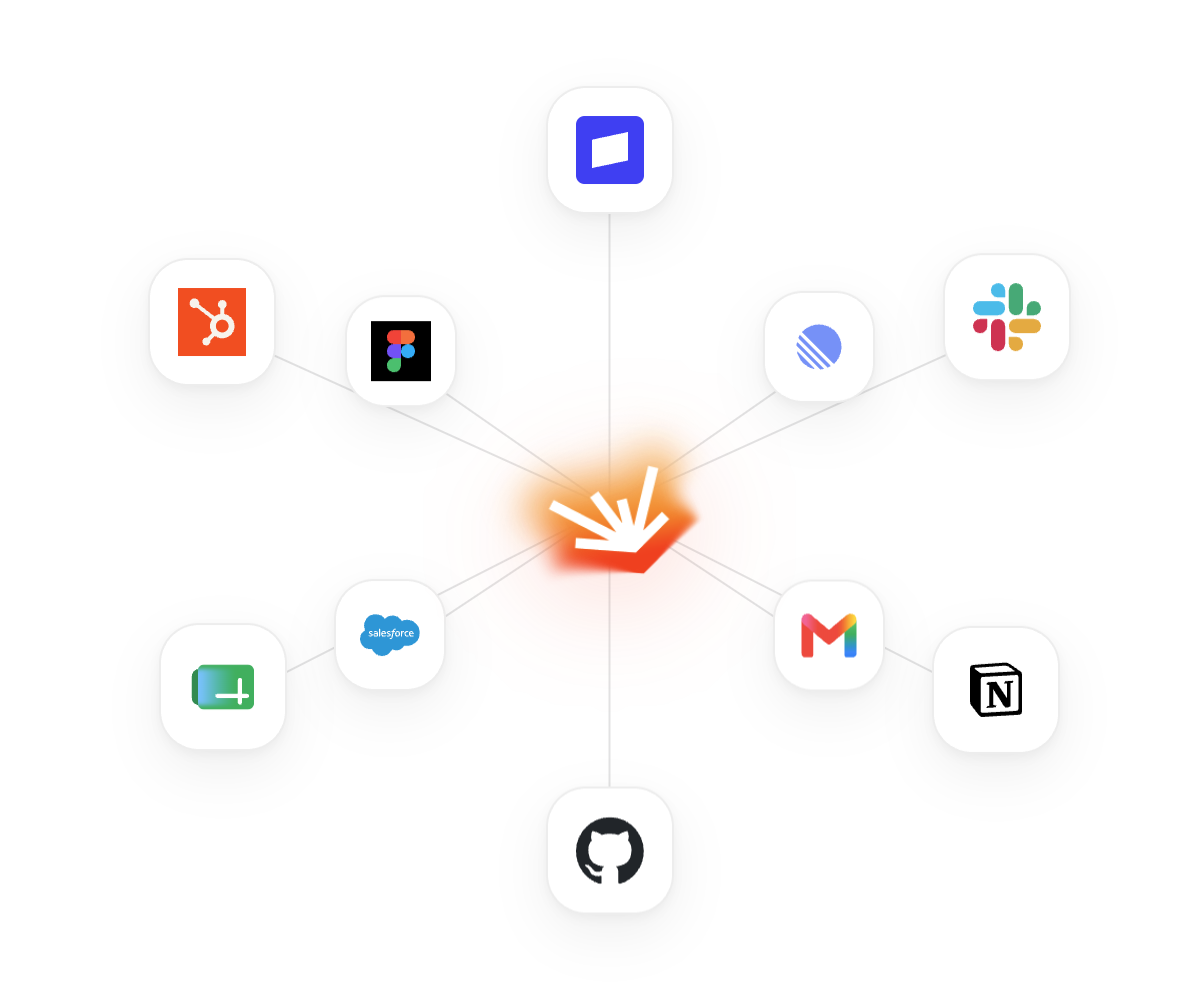
Connectors work while you build, not after you publish. You attach your own account, so there are no API keys to juggle and no glue code to write to get your data in, and nothing connector-related ships with the finished site. If a published site needs to keep talking to Stripe or HubSpot once it is live, that is the site's own code calling their API with a key kept in the secrets vault, which Modulify will build for you when you ask. Browse the full set on the connectors page.
What you can build
2.0 is not limited to landing pages.
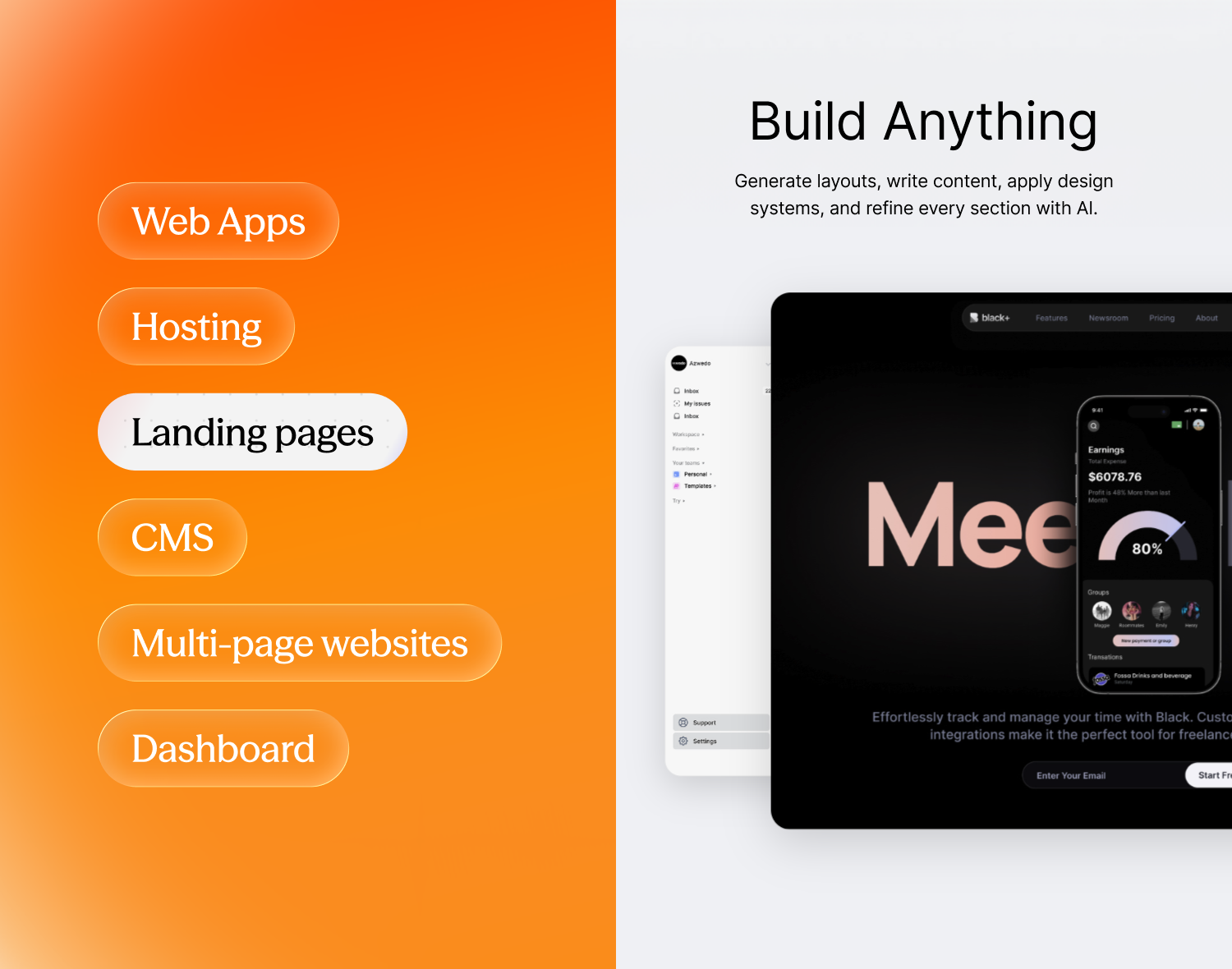
- Landing pages that convert, from a prompt, a screenshot, or one of our free templates
- Multi-page websites with real navigation and real structure
- CMS-driven sites, so blogs, resources and case studies are dynamic collections rather than duplicated pages
- Dashboards with charts, tables and states
- Web apps with forms and flows
- Client portals for agencies handing work over to customers
Whatever you do, there is probably a solution page written for it, whether you are a founder shipping a first site, a designer handing work to clients, or a marketer standing up campaign pages without waiting on a developer.
Plus the things a site actually needs to survive: responsive editing across desktop, tablet and mobile, editable metadata and social previews for SEO, built-in analytics, a database and storage.
If you would rather not start from a blank prompt, we keep a growing set of free templates built entirely in Modulify. Preview any of them, clone it into your dashboard with one click, then make it yours: drop in your own content and data, or keep building on top of it with AI. It is the fastest way to see what the platform produces before you have typed a word.
You are not just paying to build. You are paying to run.
This is the change that matters most, and it is the one that gets least attention when people talk about AI builders.
Every tool in this category hands you a site and then leaves. You still have to take the output somewhere, set up hosting, wire a domain, configure a deploy, and pay someone else every month for the privilege of the thing being online. The builder was never the expensive part. The running of it was.
Modulify 2.0 includes hosting and publishing.
You build the site, you hit publish, and it is live. On a free Modulify subdomain if you just want it up, or on a custom domain you already own if you want your own name. No deploy step, no separate host, no hosting bill stacking up, no Vercel or Netlify account to keep an eye on.
So the number on your plan is not the price of building a website. It is the price of having one, built and online and editable, for as long as you want it. The builder, the hosting and the publishing, all on one bill instead of three.
That is also why the free plan is genuinely free rather than a trial in disguise. You can build a site, publish it to a subdomain, and keep it running at zero cost indefinitely.
Build it, publish it, then keep improving it with AI. All in the same window.
A note on Webflow
Modulify began as a Webflow tool, so here is a straightforward account of where that stands.
Everyone is on 2.0 now, including our existing customers. The difference is that those earlier paying users keep an extra toggle: alongside the full generative platform, they can still switch on the legacy Webflow tools and export their work. They get both worlds. New accounts start directly in 2.0, where all of our focus now sits, and don't include the legacy side.
Nothing the existing users rely on has been removed. Webflow export simply isn't part of the new experience for everyone else.
If you have a Webflow site you like and do not want to rebuild by hand, there is a way across. We rebuild selected sites 1:1 inside Modulify, keeping the design, the pages, the CMS structure and the content model as they are. From there you carry on with AI, and the site is hosted and published on Modulify like any other 2.0 project. It is a hands-on service, so it runs through the Webflow to Modulify waitlist rather than a button.
Pricing
Simple, and deliberately not punishing. Remember that every plan below includes hosting, so this is the full cost of having a site online, not just the cost of making one. Full detail is on the pricing page.
- Free. $0, forever. One site, 35 AI credits, one time rather than monthly. Preview and publish to a free subdomain, with a database and storage included. Carries a small Modulify badge.
- Starter. $25/month, or $20/month billed yearly. One site, 100 credits. Removes the badge and adds custom domain support.
- Pro. $50/month, or $40/month billed yearly. Everything in Starter, plus team members so you are not building alone.
- Scale. For teams that already have a good site and want to add pages without hiring a designer and a developer for every one. Adds your own design system and dedicated support. Talk to us.
Need more credits? You can top up on any plan, including Free, without subscribing to anything. And on Starter and Pro, both your monthly credits and your site count are adjustable, so you scale the plan itself rather than jumping a tier.
How credits work
Straightforward: prompting costs credits. Generating a page, refining a section, restructuring a layout, rewriting copy, all of it runs on compute, so all of it draws down your balance. That is the honest trade for a model doing real work on every request.
Generating an image from scratch is the most credit-hungry thing you can ask for. Bringing your own, or using a placeholder, avoids that cost: you still spend a little on the AI placing it, but nothing on creating the picture itself. If you are watching your balance, that is the easiest lever to pull.
Your credit balance is visible in the app at all times, and top-ups roll over even though your monthly plan credits do not. The FAQs cover the billing edge cases, seats, proration and cancellation.
(Legacy Webflow customers: your builder behaves as it always has, with credits spent only on AI image generation. Nothing there has changed.)
If you are already a paying Modulify customer, nothing breaks and nothing is being taken from you. Your existing projects remain accessible and your current rate stands. We will contact you directly about anything that affects you, and you can always reach us whenever you need.
What is next
We are not going to publish a roadmap with hard dates on it. What we will say is where the work is heading.
Over time we want to give you more direct control over what the AI produces, so that not everything has to go through a prompt. A direct editor for content, where you click a field and change it the way you would in any CMS, is part of that longer-term picture. Some of the smaller, more technical improvements will land sooner; the bigger shifts will take the time they take.
Beyond that: more design systems, deeper app functionality, and better collaboration for teams. Everything that ships gets logged on Updates, so that is the place to watch.
If you want to influence what comes next, our Discord is where the product decisions actually get argued about. It is small enough that your message will be read by someone who can act on it. You will also find us across X, LinkedIn and elsewhere, or you can email support through the contact page.
Try it
Open the builder, type what you want, and see what comes back. It takes about a minute and costs nothing.
If you build something good, post it. We collect the best ones at Made in Modulify, and yours belongs there. If you want ideas first, browse the templates or read through Insights, where we write about the design thinking behind all of this.